
How to convert AVIF to PNG
Add your AVIF files
Drop them on the box, press Choose files, or paste with Ctrl+V — up to 50 files per batch, 50 MB each. Conversion starts immediately.
Adjust if you need to
Pick Truecolor for a lossless copy or Optimized for a smaller file. Results update as you change settings.
Download
Save each PNG, or take the whole batch as one ZIP.
AVIF vs PNG
| AVIF | PNG | |
|---|---|---|
| Introduced | 2019, Alliance for Open Media | 1996, W3C |
| Compression | Lossy or lossless (AV1) | Lossless only (DEFLATE) |
| Photo file size | Reference | Typically 5–20× larger |
| Bit depth | 8, 10 or 12 bits per channel | 8 or 16 bits per channel |
| Transparency | Full alpha channel | Full alpha channel |
| HDR | Yes — PQ and HLG | Only since the 2025 revision; rarely read |
| Wide colour gamut | Yes | Yes, with an embedded profile |
| Animation | Yes, image sequences | Yes, as APNG |
| Browser support | Over 95% of browsers in use | Effectively all |
| Repeated editing | Loses quality on each lossy save | No generation loss |
| Best for | Delivering images on the web | Editing, screenshots, graphics |
Transparency survives the trip
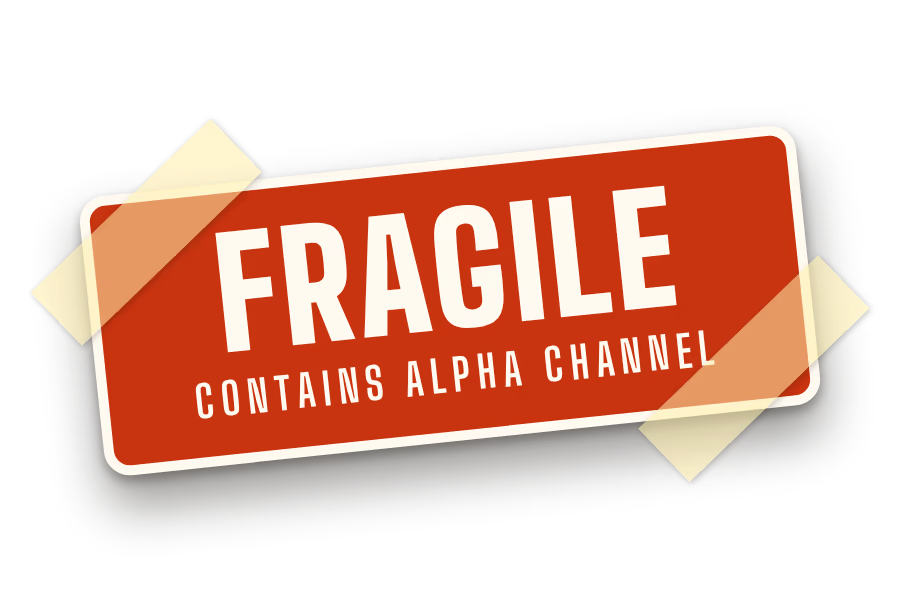
AVIF and PNG both carry a full alpha channel, so see-through areas, soft shadows and anti-aliased edges come out as they went in — no checkerboard, no white box.
If the PNG is headed somewhere that ignores transparency, tick Fill transparent areas and pick a colour. Going to JPG instead? The AVIF to JPG converter does the same with a background colour.
Why the PNG is bigger, and how to shrink it
AVIF is usually lossy; PNG stores every pixel, so a photo typically grows 5 to 20 times. That is the format, not a fault in the conversion. Two presets control it:
- Truecolor — a lossless copy in the leanest lossless layout: an exact palette for images with 256 colours or fewer, no alpha channel when nothing is transparent.
- Optimized — at most 256 colours, with dithering. Roughly halves a photo; flat graphics usually look identical.
The sizes beside each file are measured, not estimated.
Animated AVIF: pick frames, or keep it moving
Many converters keep only the first frame of an animated AVIF. Here every frame becomes its own numbered PNG, with thumbnails so you can untick the ones you do not want.
Prefer one file? Animated PNG gives a single .png (APNG) that keeps the motion and timing and plays in every current browser. Frame access works in Chrome, Edge and Firefox; in Safari only the first frame is converted.
HDR and 10-bit AVIF, handled honestly
PNGs from this tool are 8-bit SDR, the kind every program reads. An HDR AVIF (PQ or HLG) — the AVIF viewer shows whether yours is one — has to be squeezed to fit, and the converter does that deliberately:
- Keep brightness — highlights stay as bright as SDR allows and fade toward white, like a camera JPG.
- Keep colour — highlights keep their hue and come out darker.
Display P3 keeps wide-gamut colour by embedding the profile. Lost either way: brightness above SDR white, and 10- and 12-bit precision, which is rounded to 8 bits. If you need those, decode to 16-bit TIFF or PNG with a desktop tool such as avifdec.
Limits and privacy, stated plainly
A batch holds 50 files per batch, 50 MB each. Those are guard rails, not a paywall: no quota, no account, as many batches as you like. PNG output has no pixel cap; the real limit is your device’s memory.
Your browser does the decoding and encoding, so the files are never sent anywhere. You need not take that on trust: this page’s security policy only lets it talk to avifbox.com, and your browser’s network panel will show that converting sends nothing.
Sample files, measured
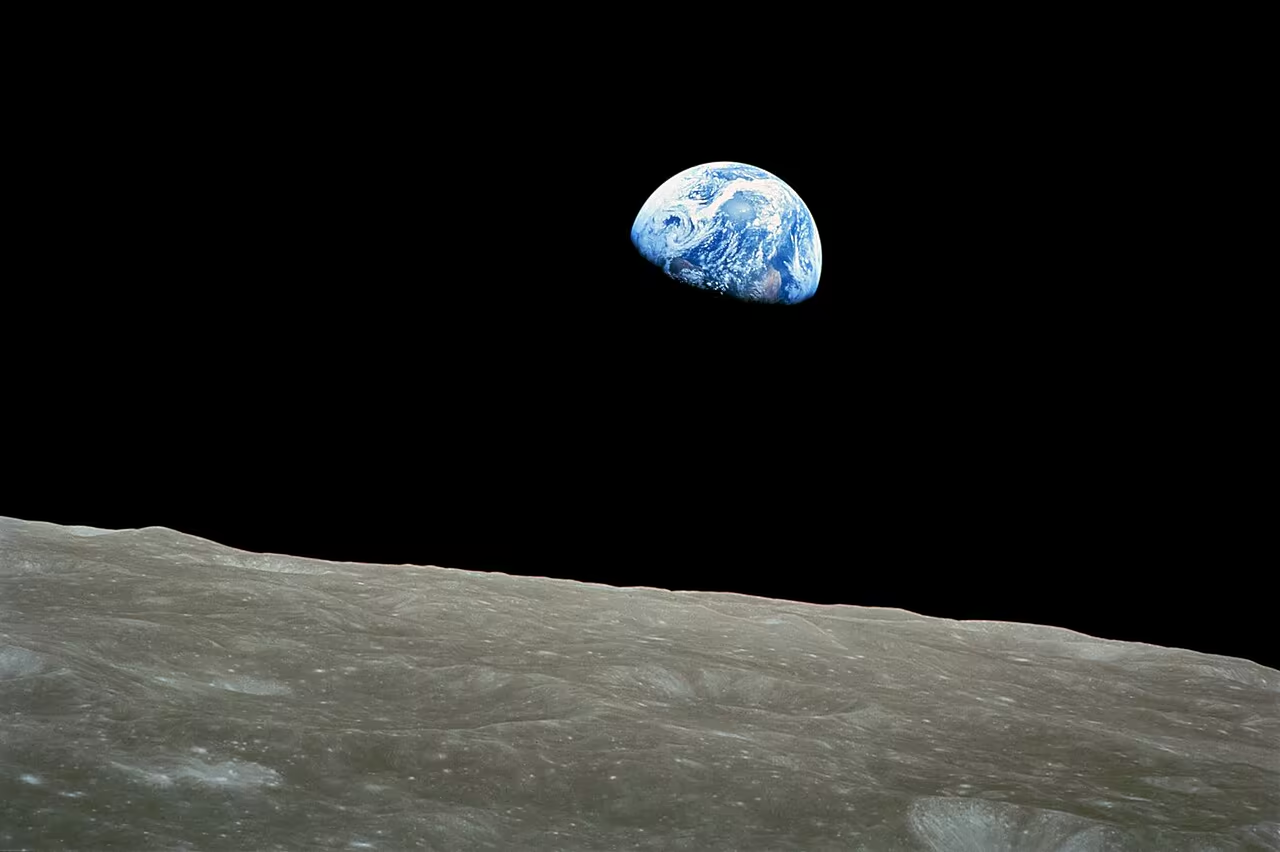
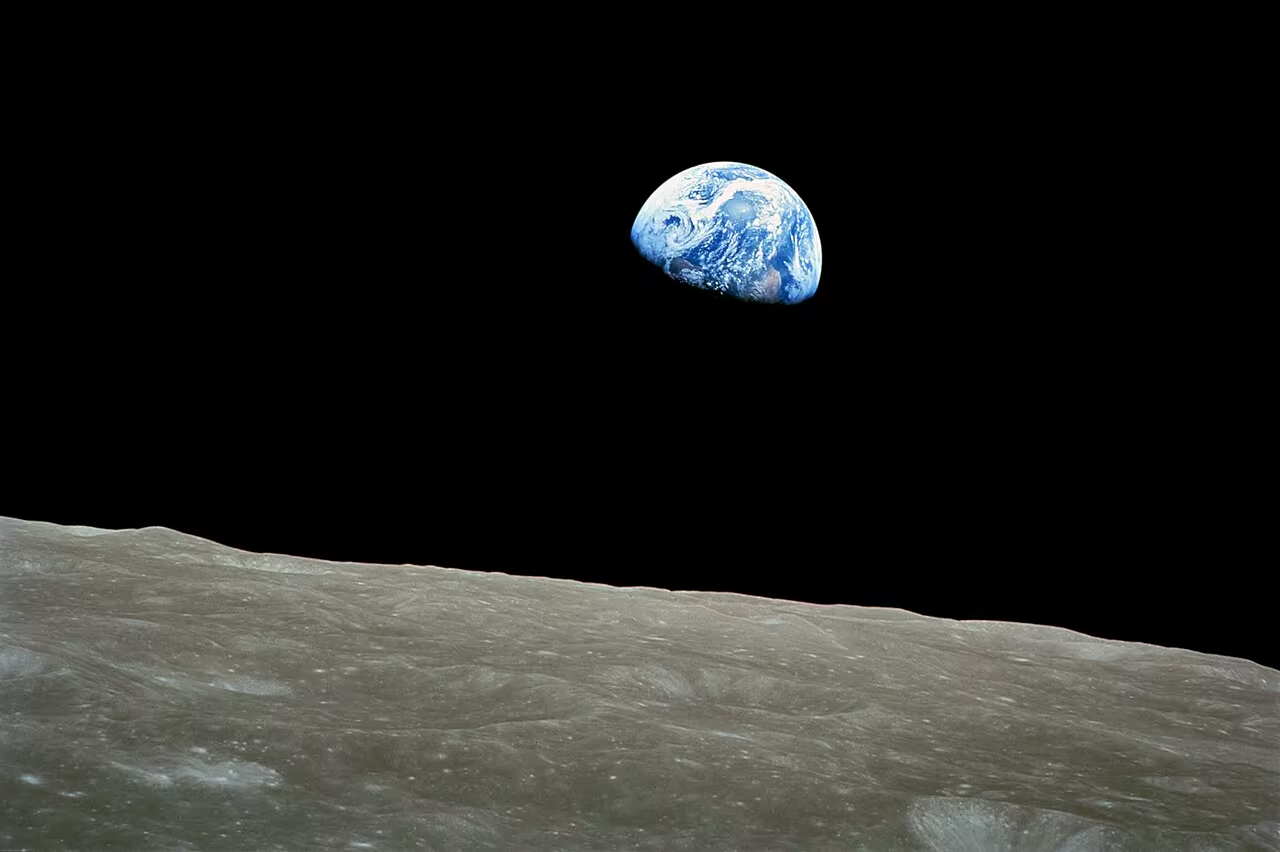
Three AVIF files and what this converter makes of them. The sizes are read from the files themselves — download either side and check.
Questions people ask
- How do I convert AVIF to PNG?
- Drop your AVIF files on the box at the top of this page, or press Choose files. They convert at once; download each PNG, or a ZIP of them all.
- Why is the PNG so much bigger than the AVIF?
- AVIF is lossy and PNG is not, so a photo commonly grows 5–20 times. Choose Optimized, or convert to JPG if you do not need transparency.
- Does AVIF to PNG keep transparency?
- Yes. The alpha channel is copied as it is, partly transparent pixels included, unless you tick Fill transparent areas.
- Is the PNG I get actually lossless?
- PNG adds no loss: Truecolor stores the pixels your browser decodes. Detail the AVIF discarded cannot return, and 10- and 12-bit sources are rounded to 8-bit. Nearly transparent pixels keep their alpha, but their colour is stored less precisely — invisible once drawn.
- Why will my AVIF file not open in Windows Photos or Photoshop?
- AVIF dates from 2019 and older software never learned it. See how to open an AVIF file — or convert it to PNG and open it anywhere.
- Can I convert animated AVIF to PNG?
- Yes. Every frame becomes a numbered PNG and you choose which to keep, or pick Animated PNG for one file that still moves.
- What about HDR and wide-colour AVIF?
- HDR is tone-mapped to SDR — Keep brightness or Keep colour — and wide gamut can be kept as Display P3. Output is always 8-bit.
- How many files can I convert at once?
- Up to 50 files per batch, 50 MB each, and as many batches as you like. There is no daily limit; a very large image is bounded only by your device’s memory.
- Are my files uploaded to a server?
- No. Your browser decodes and re-encodes the images on your own device, and the files never leave it.
- Should I convert to JPG or WebP rather than PNG?
- PNG for transparency, screenshots, graphics and anything you will edit. For photos you only view or share, JPG is far smaller; WebP is smaller still but less widely accepted.
Packing list
| Price | Free — no account, no watermark, no quota |
|---|---|
| Works in | Chrome, Edge, Firefox and Safari, on desktop and mobile |
| Input | AVIF — 8, 10 and 12-bit, HDR, animated |
| Output | PNG (Truecolor or Optimized), animated PNG |
| Batch size | 50 files per batch, 50 MB each |
| Processing | On your device; nothing is uploaded |
| Metadata | Not copied: the PNG holds pixels, plus a colour profile if you ask for one |